











BetKing provides one account for access across the platforms available to Nigerian users. You can sign in from a computer, a mobile browser, a supported app, or a lighter mobile interface when your connection is slow. This guide explains the information you need, where to enter it, and what to check if authentication does not work.
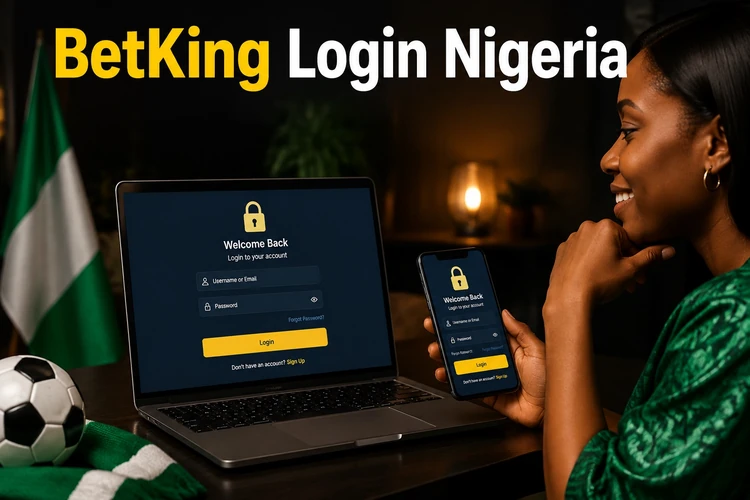
How the BetKing Login Works
To begin, you need an active account and the phone number and password used during registration. Open the official website, select the login option, enter your details, and submit the form. If the information matches, the platform opens your account area, where you can review your balance and use the available betting features.
If you have not registered yet, the registration page explains how to create an account. Check every digit of your phone number before submitting the form, especially if you are using a new device or switching between local and international number formats.
Logging In from a Desktop Browser
On a laptop or desktop computer, open bet-king-nigeria.com and choose the login button in the site header. Enter the registered phone number and password, then confirm the form. Once the session loads, you can view your profile, review the account balance, and manage the activities available to your account.
A private computer may offer to save your credentials, but this should not be used on a work computer, public terminal, or shared device. When finished, log out manually and close the browser window. Do not leave an authenticated session open where another person could access it.
Mobile Browser and the Lite Version
The website is designed to work in common mobile browsers on Android and iOS. Open it in Chrome, Safari, or another current browser, tap the login option, and enter your phone number and password. A responsive layout adjusts the fields and controls to the smaller screen.
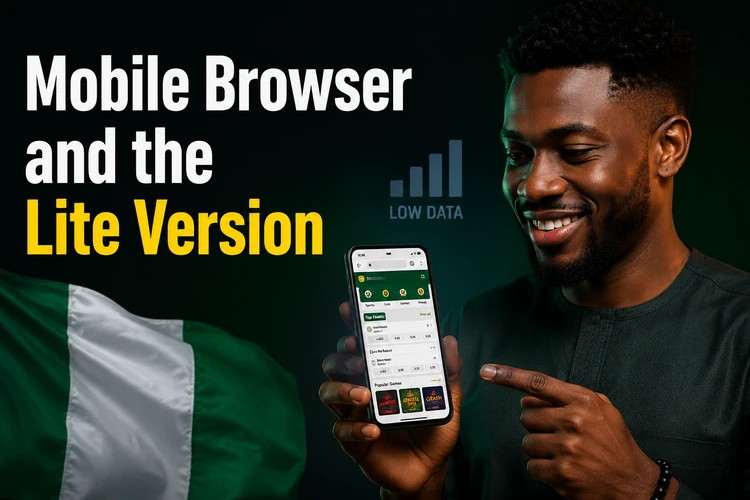
Users with limited data or older handsets may prefer the Lite version. Its simpler presentation reduces large graphics and other page elements, so it can load more comfortably on a weak connection. The credentials remain the same, but the available layout may look different from the full site. If a page appears incomplete, wait for the connection to stabilise rather than submitting the form repeatedly.
An older mobile interface may also be familiar to long-time users. If you still have it bookmarked, use only a trusted official route and the same account credentials. Avoid downloading unofficial files or entering your details into a page reached through an unsolicited message.
Logging In Through the BetKing App
The BetKing app can be downloaded from the official site for supported Android devices. After installation, open it and choose the login option on the start screen. Enter the same phone number and password used in the browser, and check that the app has finished loading before submitting the form.
An app may keep a session active, although it can ask you to authenticate again after you log out, clear its data, change your password, or remain inactive for a period. Keep the application and your phone operating system updated. If the app starts crashing or shows a blank page, update it first and then restart the device.
Signing In with Your Phone Number
Nigerian accounts use the registered phone number as the main login identifier. Enter it exactly as it was supplied during registration, without accidental spaces or missing digits. If the form accepts a country prefix, follow the format shown on the screen instead of combining local and international formats.
The number is also important for account recovery and identity checks. Keep the SIM active and able to receive SMS messages. If you have changed numbers, do not create duplicate accounts to solve the problem; use the available support channel to ask how the account details can be updated.
Resetting a Forgotten Password
Select the password recovery link below the login fields and enter the registered phone number. A verification code may be sent by SMS. Enter the code only on the official recovery screen, create a new password, confirm it, and try signing in again.
Choose a password that is difficult to guess and different from passwords used for banking, email, or other betting accounts. A combination of letters, numbers, and symbols is preferable to a name or date of birth. If you think somebody has accessed the account, change the password and use the contact page to report the concern.
Shop and Cashier Account Access
Retail shop operators and cashiers use credentials supplied for their work accounts. These accounts may have permissions for accepting over-the-counter bets, printing tickets, recording payments, or handling other shop tasks. They are not the same as ordinary customer profiles.
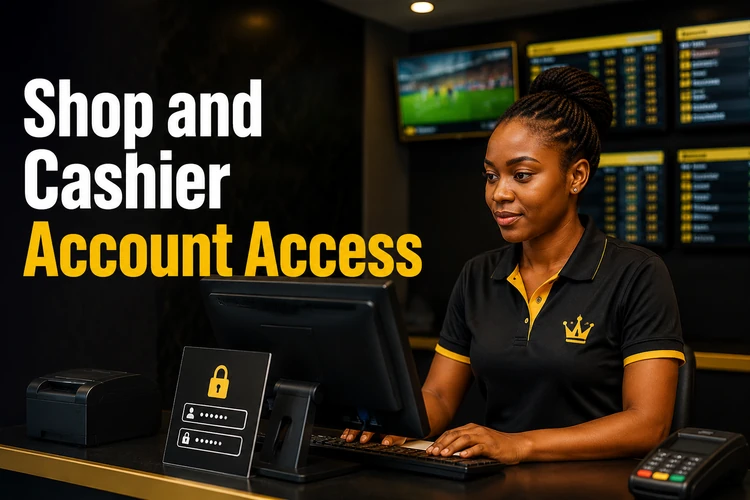
If a cashier login fails, first confirm that you are using the correct retail portal and the credentials assigned to that shop. Do not use a customer password reset form for a managed retail account. Ask the shop manager or the designated retail support contact to confirm permissions or reset access.
Accessing Aviator and Virtual Sports
Aviator and Virtual Sports are normally accessed after you authenticate to the main platform. Sign in through a supported browser or app, then open the relevant section if it is available to your account and location. There should be no need to create a second customer account just to use these features.
If selecting a game sends you back to the login screen, the session may have expired. Sign in again and check that your connection is stable. Betting outcomes are not affected by the login method, so review the displayed rules and your available balance before placing any wager.
Fixing Common Login Problems
Start with the simplest checks. Re-enter the phone number carefully, make sure Caps Lock is not changing your password, and use recovery instead of guessing repeatedly. Several failed attempts can trigger a temporary security lock.
For browser problems, clear the site’s cookies and cached files, then reopen the browser. A private tab can help identify whether an old session is interfering. If the page remains incomplete, switch between Wi-Fi and mobile data, try a current browser, and avoid pressing the login button several times while a slow request is still processing.
- Locked account: wait for the temporary restriction to end or contact support if access does not return.
- Outdated app: install the current version from the official source and restart the app.
- Page not loading: check the connection, clear cached data, and try another supported browser.
- SMS code not arriving: confirm that the registered number is active, wait briefly, and request another code once.
Keeping Your Account Secure
Enter credentials only on the official website or genuine application. Be cautious with links received through SMS, social media, or messaging services, particularly when they create urgency or request your full password. Check the address before entering information and do not share verification codes with anyone.
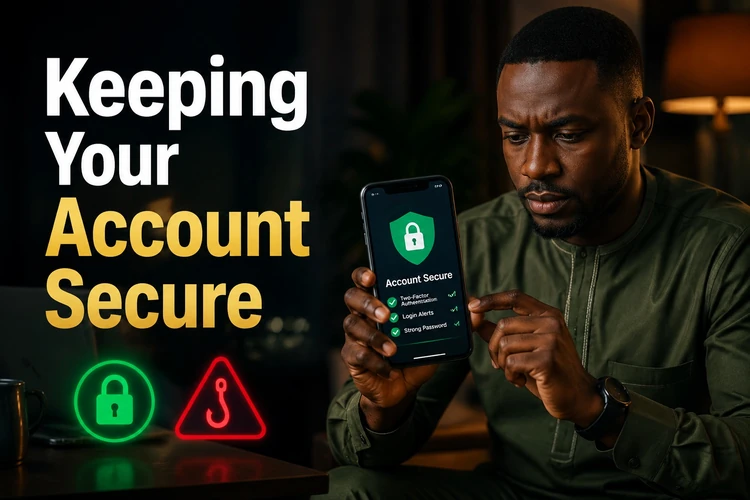
Use a unique password, avoid logging in on shared devices, and sign out when you finish. Public Wi-Fi adds risk, so a trusted private connection is preferable. Monitor your balance and activity, and report unfamiliar bets or transactions promptly. Legitimate staff should not need your password. Gambling is for adults aged 18+ and should remain within your personal limits; the responsible gambling information explains safer account habits.
FAQ
Open bet-king-nigeria.com in a supported browser or launch the official app. Select the login option, enter the phone number registered to the account and your password, then submit the form.
Use the password recovery link on the login screen and enter your registered phone number. Follow the SMS verification steps to create a new password. If you cannot receive the code, contact support rather than creating another account.
Yes. The account is not tied to one device. You can use the same registered phone number and password on a desktop browser, mobile browser, or supported app.
It is a simpler mobile interface intended for slower connections and older phones. It uses fewer heavy page elements, while the login credentials remain linked to the main account.
Check the phone number format, connection, browser cache, and cookies. Too many unsuccessful attempts can also cause a temporary lock. Try a current browser or updated app, and contact support if the problem continues.
No. They are accessed through the main account after you sign in. If the platform returns you to the login screen, your session may have expired or the connection may have interrupted authentication.